
 joyce
Yes, you can order Canadian groceries online through Instacart, and it works with plenty of the stores you already shop at, including Loblaw, No Frills, Metro, Food Basics, Costco, T&T Supermarket, Shoppers Drug Mart, and Walmart in some areas. You pick a store, fill your cart, and a shopper handles the rest.
The cost is the part most people want to know up front. Delivery fees typically run $3.99 to $7.99 per order, plus a service fee of around 5% of your total. The suggested tip usually defaults to 15%, so a small order can add up faster than you’d expect. Instacart+ costs $99 a year or $9.99 a month and gives you free delivery on orders over $35, reduced service fees, and 5% credit back on eligible pickup orders. Whether that pays off depends on how often you order, and we’ll walk through the maths below.
One honest caveat: delivery coverage varies, so your postal code is the final word on what’s available where you live.
If you cook a lot, online grocery shopping can take real pressure off a busy week. Stick around, and tell us in the comments how you make it work for your kitchen.
How Canadian Grocery Delivery Apps Work
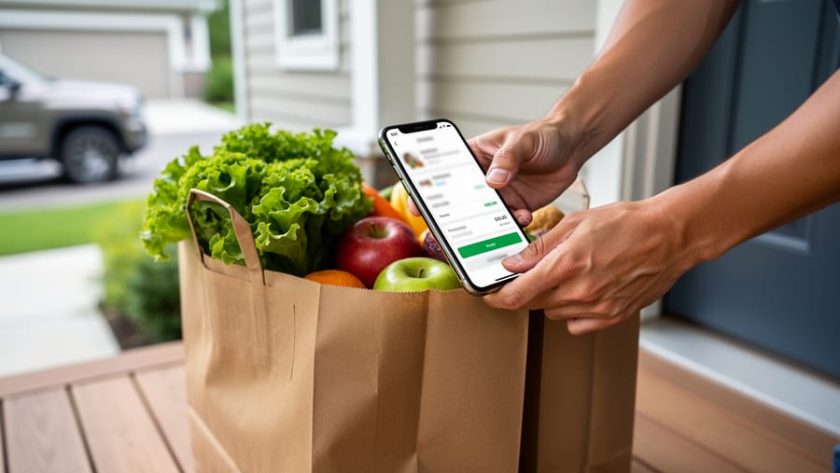
Ordering Canadian grocery online with an app like Instacart is simpler than it sounds. Here’s the basic flow, step by step.
First, you pick a store. Instacart doesn’t own any grocery stores. It partners with several Canadian ones, including Loblaw, No Frills, Shoppers Drug Mart, Costco, T&T Supermarket, Metro and Food Basics, with Walmart available in some areas. You choose the shop you’d normally visit, and the app shows you that store’s items.
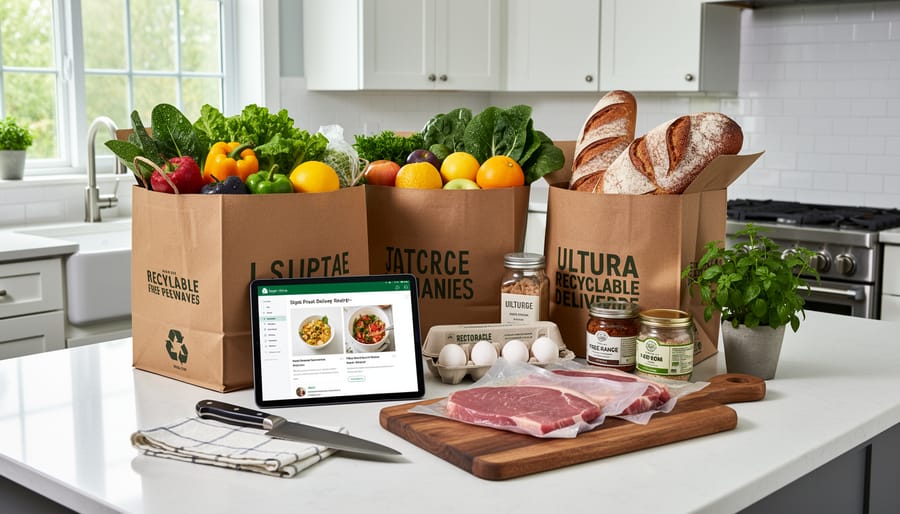
Next, you build your cart. Search for what you need or browse the aisles, just like you’d walk through the store. I like keeping a recipe open in another tab so I can tick off each ingredient as I add it.
Then you choose delivery or pickup. With delivery, your groceries come to your door. With pickup, you collect them at the store yourself. You’ll also see a delivery fee and a service fee at checkout. The delivery fee covers getting the order to you, while the service fee is a small extra charge, around 5% of your order total, that helps cover running the app. Tipping your shopper is optional, but the app will suggest an amount.
Finally, a personal shopper takes over. They gather your items in the store, pack them up, and bring them along.
One honest caveat: what’s offered depends on your address, so I can’t promise any particular store or delivery option in your area. Enter your postal code in the app to see exactly what’s available near you.
Which Canadian Grocery Stores You Can Shop Through Instacart
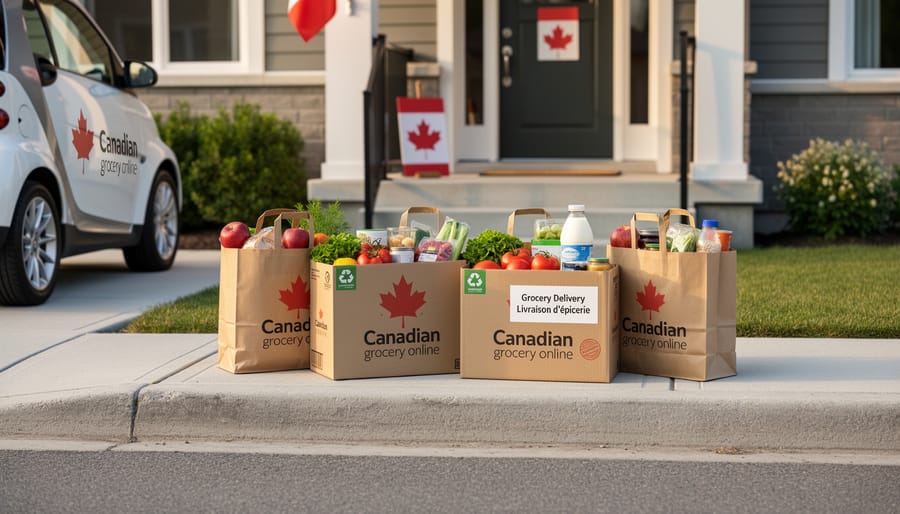
One of the nicest things about Instacart is that it doesn’t own any stores. It partners with a handful of Canadian grocers, so you can shop the places you already know from one app. Here’s the verified list: Loblaw, No Frills, Shoppers Drug Mart, Costco, T&T Supermarket, Walmart (in some areas), Metro, and Food Basics.
From a home cook’s point of view, each one tends to fill a different spot in your kitchen routine. Here’s a quick way to think about them.
| Store | What home cooks might use it for | Availability note |
|---|---|---|
| Loblaw | Everyday staples for weeknight dinners | Depends on your address |
| No Frills | Pantry basics and budget-minded stock-ups | Depends on your address |
| Shoppers Drug Mart | Pharmacy items plus quick pantry add-ons | Depends on your address |
| Costco | Bulk buying for big-batch cooking and freezing | Depends on your address |
| T&T Supermarket | Specialty Asian ingredients and sauces | Depends on your address |
| Walmart | One-stop shopping for groceries and extras | Only in some areas |
| Metro | Everyday staples and fresh ingredients | Depends on your address |
| Food Basics | Everyday staples at a no-fuss pace | Depends on your address |
A couple of things worth knowing. If you’re chasing a specific ingredient for a recipe, say a particular noodle or sauce, T&T is often where I’d look first. If you’re planning a big batch of soup or chili for the freezer, Costco’s bulk sizes can make sense, though you’ll want the space to store it all.
Keep in mind that the stores you see depend on where you live. Walmart in particular only shows up in some areas, so don’t be surprised if it’s missing from your list. The easiest way to find out what’s offered is to enter your postal code in the app.
What Instacart Really Costs: Delivery, Service Fees, and Tips
Before you tap “place order,” it helps to know what goes on top of your groceries. There are three pieces: a delivery fee, a service fee, and a tip.
The delivery fee. This is typically between $3.99 and $7.99 per order. It’s a flat charge for getting the bags to your door, so it doesn’t grow just because your cart does.
The service fee. Think of this as the app’s cut for running the platform and covering the shopping. It’s around 5% of your order total, and it’s charged in addition to the delivery fee, not instead of it.
The tip. The suggested default is typically 15%. Your shopper is the person walking the aisles, hunting down the right avocados, and carrying everything up your steps, so this is a part of the cost worth planning for. You can adjust the amount to whatever feels right.
Here’s an illustrative example using round numbers (not a quote, just a way to see how it adds up). Say your groceries come to $100. A delivery fee of $5.99 sits in the middle of the usual range. The service fee at about 5% adds roughly $5. A 15% tip adds $15. Put it together and you’re looking at around $126 for a $100 cart, or about a quarter more than the grocery total.
Your numbers will shift depending on your order size and which fee you land on, so treat that math as a rough guide only. The app shows the exact total at checkout, with every line itemized, before you confirm anything. Take a quick look there, and you’ll never be surprised by the final amount.
Is Instacart+ Worth It for Your Kitchen?
If you’re only ordering groceries online once in a blue moon, the pay-as-you-go fees are probably fine. But if online shopping is becoming part of your weekly routine, Instacart+ is worth a closer look.
Here’s what the membership includes: it costs $99 per year or $9.99 per month, and it gives you free delivery on orders over $35, reduced service fees, and 5% credit back on eligible pickup orders.
A simple way to decide is to look at two things: how often you order and how big your usual basket is. Regular delivery fees run about $3.99 to $7.99 per order, so think of that as what you’d be saving each time you clear the $35 mark. Divide the monthly price, $9.99, by the fee you’d normally pay, and you get a rough idea of how many orders it takes to break even. If your typical delivery fee is on the higher end, you’ll get there faster. Remember that the service fee, which is around 5% of your order total, is reduced with membership too, so a bigger basket adds a little more to the savings.
Who benefits most? Weekly meal-planners, the folks who map out dinners on Sunday and place one bigger order to cover the week, tend to get the most from a membership. A full cart of staples, produce, and pantry items clears the $35 threshold easily.
Who might skip it? If you only order now and then, say for a holiday dinner or the odd stock-up, paying per order is likely simpler. You could always try the monthly option for a stretch and see how it fits your routine.
Smart Ways to Shop Groceries Online Like a Home Cook
Planning Your Cart Around a Recipe
Start with the recipe, not the store. Before you open the app, read the ingredient list and check your pantry, then build your cart from what’s actually missing. Cooking from tested recipes helps, because the quantities are reliable and you won’t over-order.
Pay attention to how items are sold. “One onion” might be a single onion or a three-pound bag. For something like our dumplings recipe check the package size on cabbage, ground pork, or wrappers before you tap add. It saves a lot of frustration later.
Handling Substitutions and Fresh Items
Before you check out, open the substitution settings for each item. For anything that matters to the recipe, choose “don’t substitute” or pick your own backup, such as a different brand of canned tomatoes. Then use the notes field like you’re texting a friend. For produce, say what you want: “firm, not fully ripe avocados” or “small yellow onions, not a giant bag.” For meat, specify the cut and size. For dairy, name the fat percentage, since 2% and 3.25% aren’t interchangeable in a sauce. If you’re stocking up for homemade dim sum, our dumpling tips will help you decide what to order.
Unpacking and Checking Your Order
When your groceries arrive, take a few minutes to unpack with the order open in the app. Check each item against your list, paying special attention to quantities and anything you left a note about, like ripeness on avocados or the cut of meat.
Put perishables away first. Dairy, meat, and frozen items go straight into the fridge or freezer, and the rest can wait.
If something’s missing, damaged, or not what you asked for, report it through the app right away. Take a quick photo of the problem if you can, since it makes the process smoother.
Common Questions About Ordering Canadian Groceries Online
Got questions before you place your first order? Here are the ones home cooks ask most, answered with what we know right now.
Which Canadian stores does Instacart work with?
Instacart partners with several grocers, including Loblaw, No Frills, Shoppers Drug Mart, Costco, T&T Supermarket, Metro, and Food Basics. Walmart is available in some areas only.
What are the typical delivery and service fees?
The delivery fee is typically $3.99 to $7.99 per order. A service fee of around 5% of your order total is added on top of that.
How much should I tip?
The suggested default tip is typically 15%. You can adjust it at checkout.
What does Instacart+ cost, and is delivery available where I live?
Instacart+ is $99 per year or $9.99 per month, with free delivery on orders over $35. Availability depends on your address, so enter your postal code in the app to see which stores and options you can use.
The app shows your exact total before you confirm, so you can always tweak your cart or tip first. Have a question we didn’t cover? Send it our way, and we’ll happily add it.
Ordering Canadian groceries online really can give you more time in the kitchen, once you know which stores you can shop, how the fees add up, and whether a membership pays off for how often you order.
Why not try it with a recipe you already trust? Build your cart from that ingredient list and see how it goes. Then tell us how it worked out. Send us your questions, feedback, or your own app stories through our contact page. We’d love to hear them!